01
Jobs
Track every service call from intake to completion.
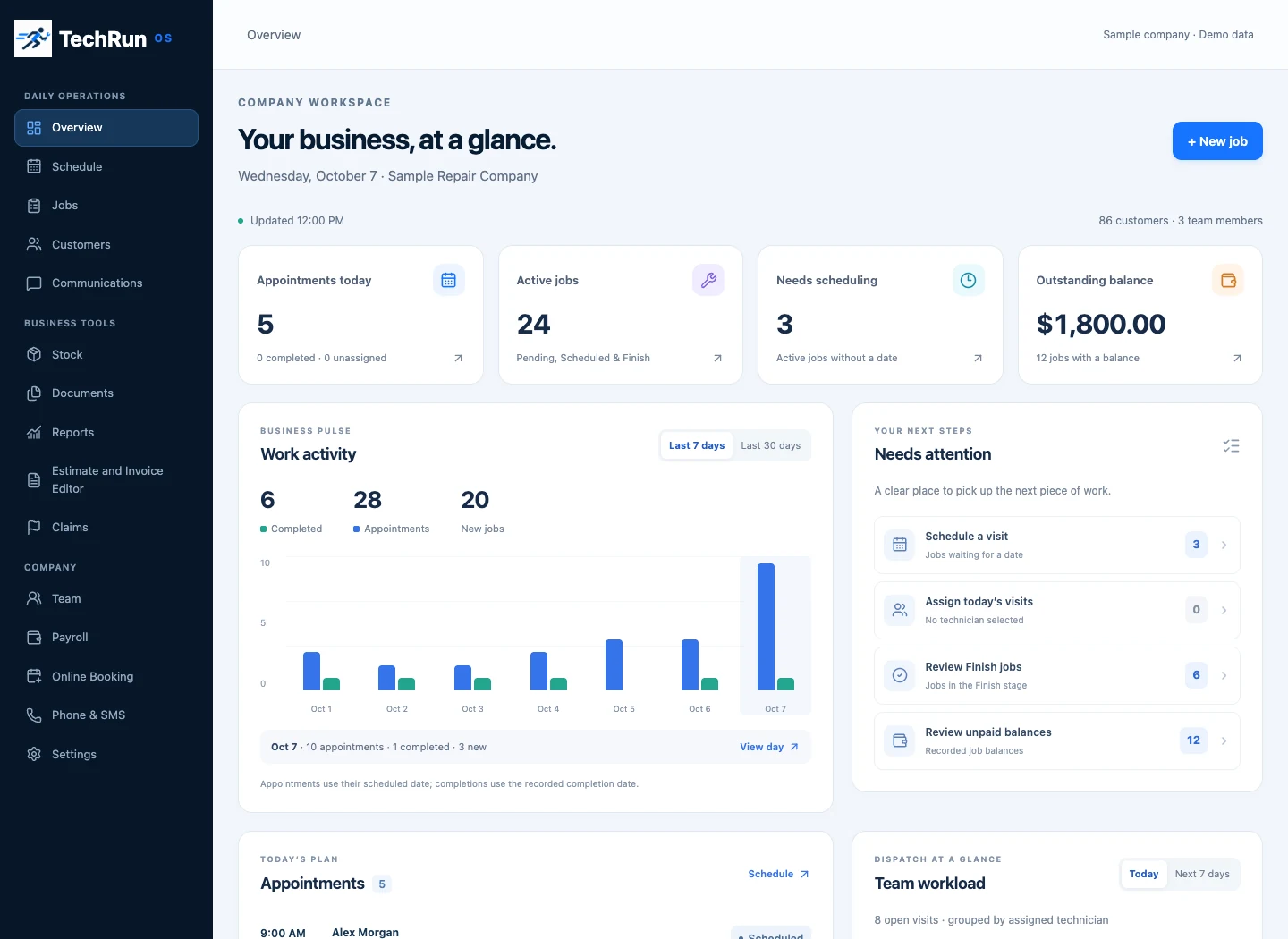
Manage jobs, customers, scheduling, estimates, invoices, payments, calls and your team — all in one platform built for appliance repair.
Access after approval.Built specifically for appliance repair.
ONE CONNECTED PLATFORM
Powerful tools for appliance repair technicians and service companies.
For owner-operators, small technician teams, growing repair companies and multi-technician operations.
Track every service call from intake to completion.
Manage appointments, technician assignments and return visits.
Keep customer history, appliances, addresses and notes connected.
Create estimates, approvals, invoices and receipts.
Collect customer payments and track outstanding balances.
Keep communication connected to the customer and job.
Track the parts your jobs need and the stock you carry.
Let customers approve estimates, sign and pay online.
BUILT AROUND YOUR WORK
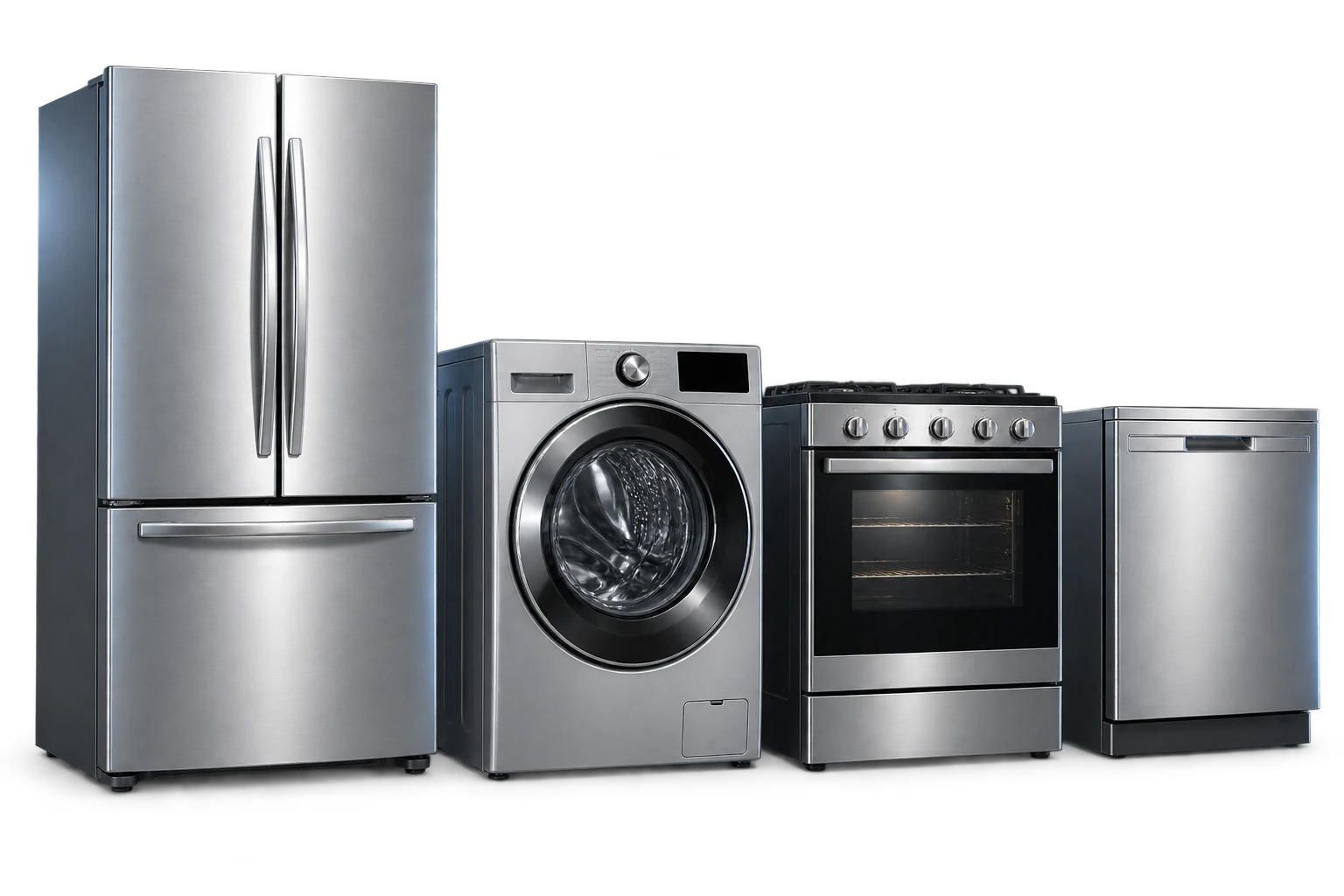
Keep appliance details, diagnosis notes, photos, estimates and service history together. Your team gets the context for the next visit, all in one place.
MOBILE & FIELD READY
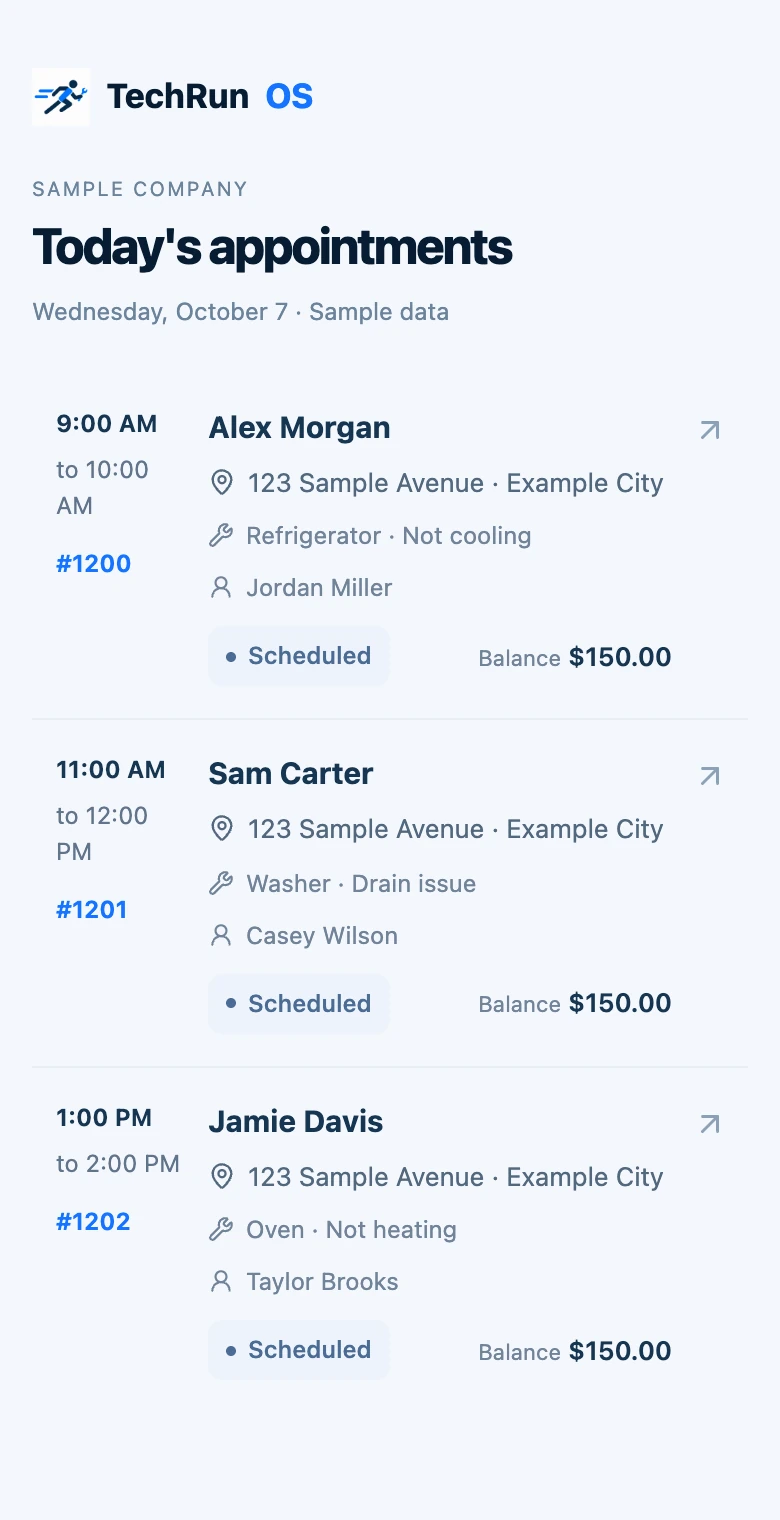
Your schedule, customer details and job information stay within reach when you’re in the field.
Actual product interface · Sample dataAI RECEPTIONIST · COMING SOON
A planned assistant for incoming calls and customer intake.
Planned capabilities. Availability and terms will be confirmed at launch.
THE WORKFLOW IS THE DIFFERENCE
From the first customer call to diagnosis, return visits, invoices, payments and service history — everything stays connected to the same job.
01 / JOB MANAGEMENT
Keep diagnosis, appliance information, model and serial numbers, photos, notes, estimates, parts, payments and service history connected to the same job.
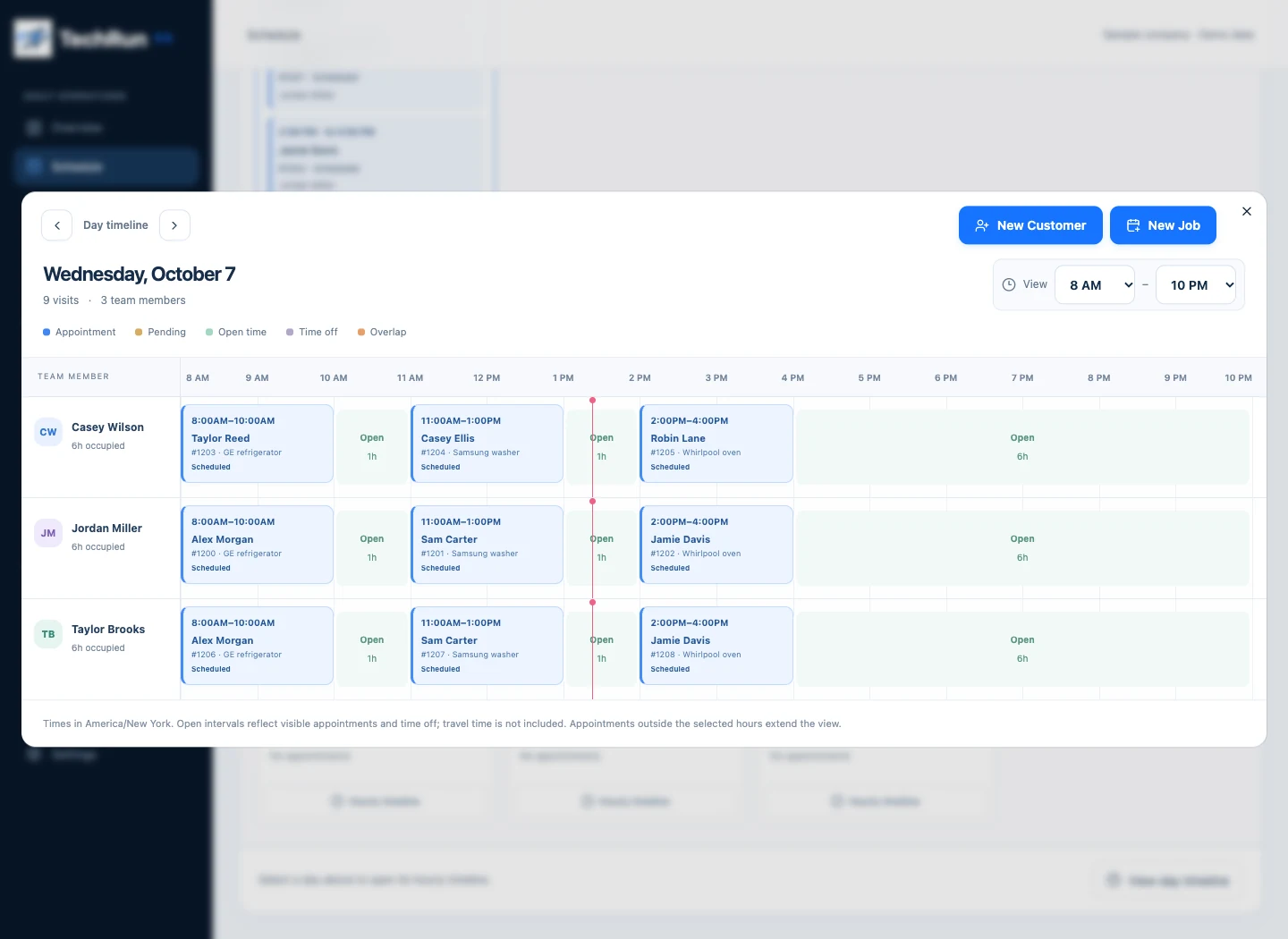
02 / SCHEDULING & DISPATCH
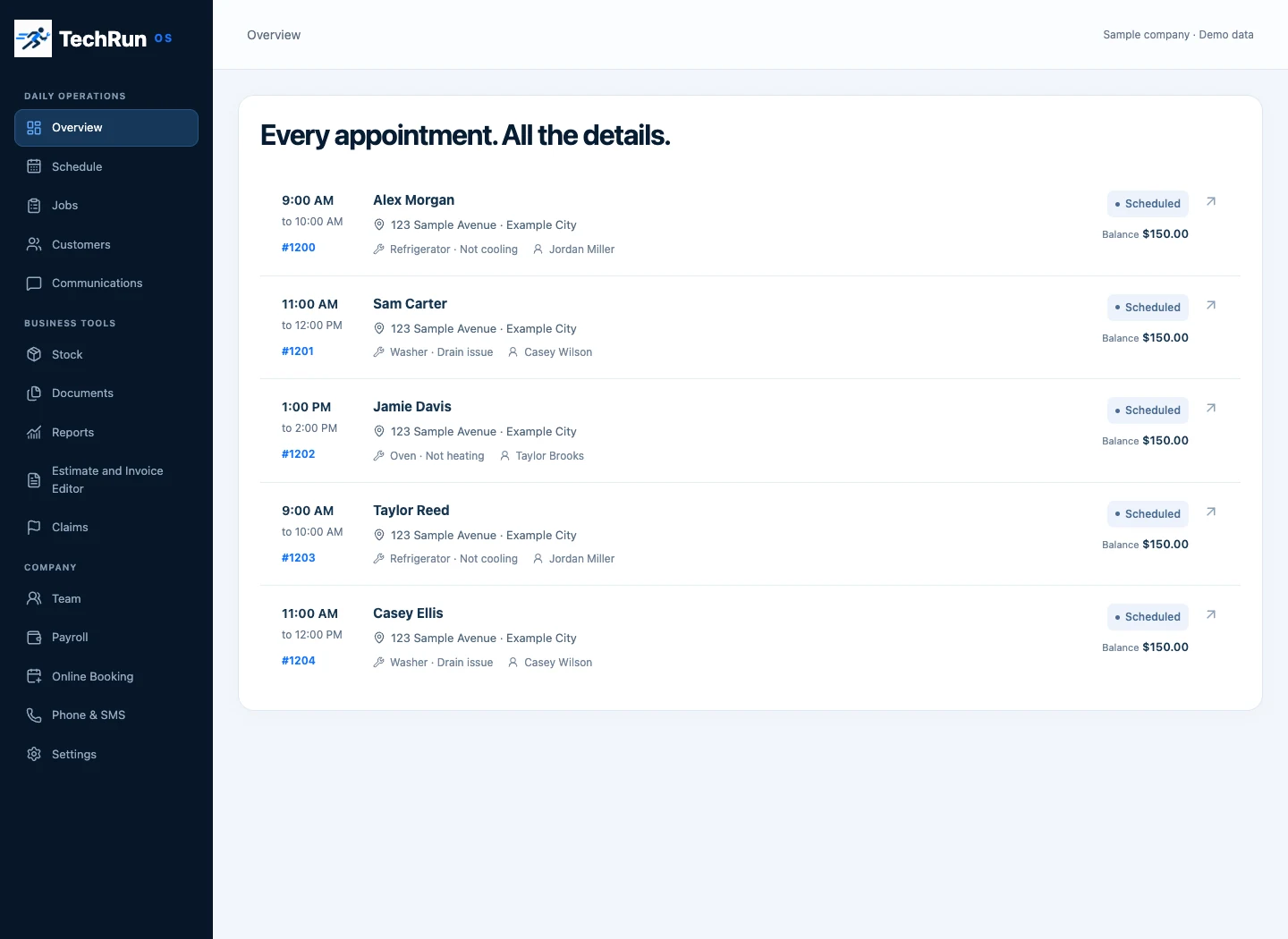
See the day clearly, assign technicians, manage return visits and keep the entire team aligned.
03 / MANUAL INVENTORY RECORDS
Keep records of the parts you carry, their quantities, costs and storage locations.
Part name, part number and brand
Quantity on hand and restock level
Shelf, bin or truck location
Keep the costs you enter
Inventory record illustration
04 / ESTIMATES, INVOICES & PAYMENTS
Create estimates, collect approvals, convert work into invoices and get paid without losing track of the job.
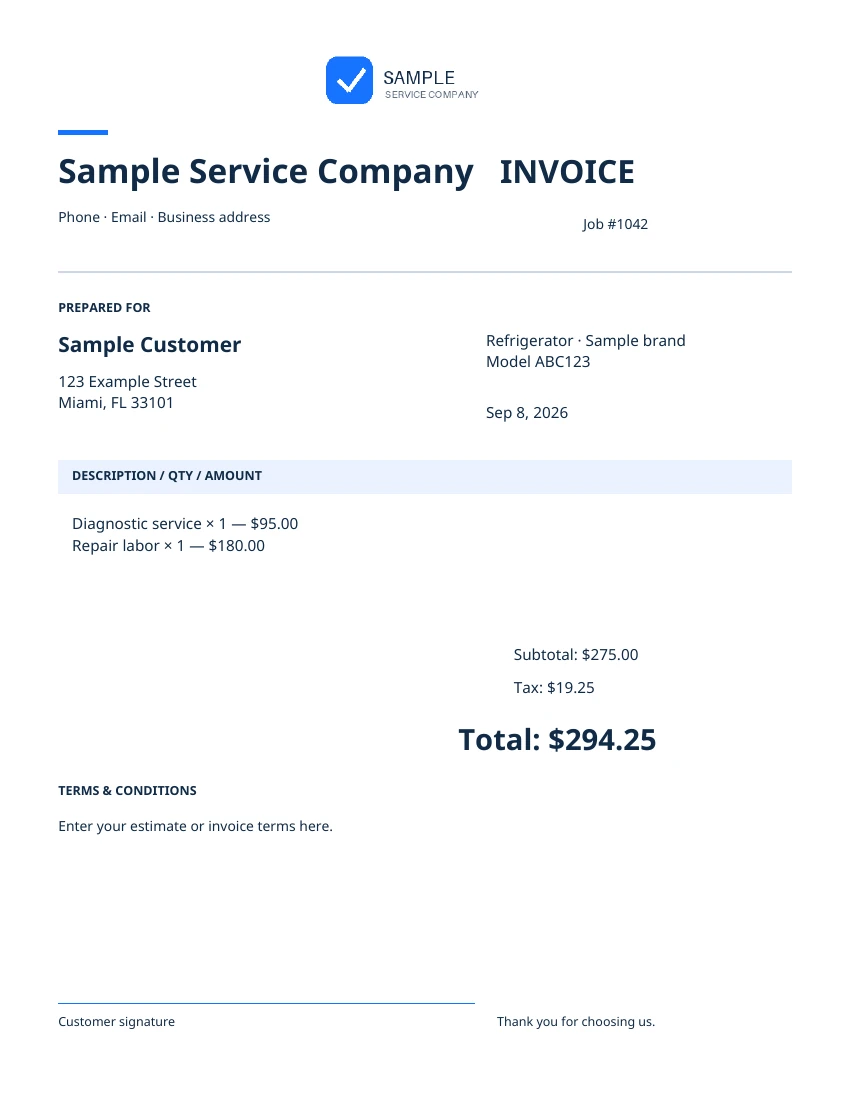 Actual TechRun document · Sample data
05 / CALLS & SMS
Keep calls, messages, customer notes, appointment details and service history connected instead of spread across multiple apps.
Requires communications provider setup.
YOUR SERVICE VISIT
Your visit, all in one place.
See the scope of your repair
Keep your repair moving
Use your secure payment link
Keep a record of your service
GOOD SERVICE, FROM BOTH SIDES
Make the next step easy. Give your customers a clear, professional way to stay connected to their repair.
WHY TECHRUN
Your work has its own moving parts.
Your software should understand them.
*A typical general-purpose CRM without appliance repair customization. Capabilities vary by provider. TechRun AI tools are planned.
MORE ROOM TO DO YOUR BEST WORK
Every appliance, job, part, message, estimate and payment stays connected.
Keep diagnosis, return visits, invoicing and payment easier to follow.
Give customers a clean experience from booking through payment.
ROOM TO GROW
From your first service call to a growing team.
Choose the workspace that fits the way you work.
For independent technicians and owner-operators.
Contact us for availability.
For growing appliance repair teams.
Contact us for availability.
For businesses ready to automate customer intake.
Join the conversation about AI.
TechRun OS is in early access. Company access requires approval. Paid subscriptions are not yet available; pricing and subscription terms will be confirmed before paid enrollment. ¹ Calls and SMS require provider setup; usage charges may apply. AI features are not available for self-service activation.
Register your company and verify your email to submit an access request. Each new company is reviewed before workspace access is enabled. TechRun OS is in early access; paid subscriptions are not yet available.
Independent appliance repair technicians, owner-operators and growing appliance repair companies with small or multi-technician teams.
Yes. Appliance records, diagnosis, parts, return visits and service history shape the workflow, so the software fits the way appliance repair businesses work.
Yes. You can manually record appliance type, brand, model and serial number. These are stored appliance details; TechRun does not match or source replacement parts from them.
Manually record parts, quantities, costs, purchase history and storage locations. TechRun does not provide automatic part lookup, supplier ordering or shipping tracking. Return visits can be scheduled separately in your team calendar.
Yes. Assign jobs, see technician schedules and manage access within your company workspace.
Yes. Customer links let customers review estimates, approve and sign without needing a CRM account.
TechRun supports online payment links when your company has configured and enabled its payment provider. Available methods depend on that setup.
Yes. Calls and SMS require a configured communications provider and company phone number. Provider charges and setup requirements may apply.
Yes. Customers can use secure links to review job information, estimates, appointments, invoices and receipts.
AI receptionist and automated intake are planned for the AI offering. They are not currently available for self-service activation.
TechRun includes customer import tools. Migration options depend on the information your current system can export; confirm the scope with TechRun before moving your records.
YOUR BUSINESS. BETTER CONNECTED.
Customers, jobs, technicians, parts, estimates, invoices,
payments and communication. Finally, in one place.